Make Ableton feel like your space.
Find a visual style you want to come back to. Choose dark studio palettes, warm organic colours, softer tones or brighter club-inspired options.
Give your studio a new look with 84 distinctive themes, find your next effect in an organised rack library, and plan your session with the offline Focus Builder.
Get the Producer Focus Pack ↗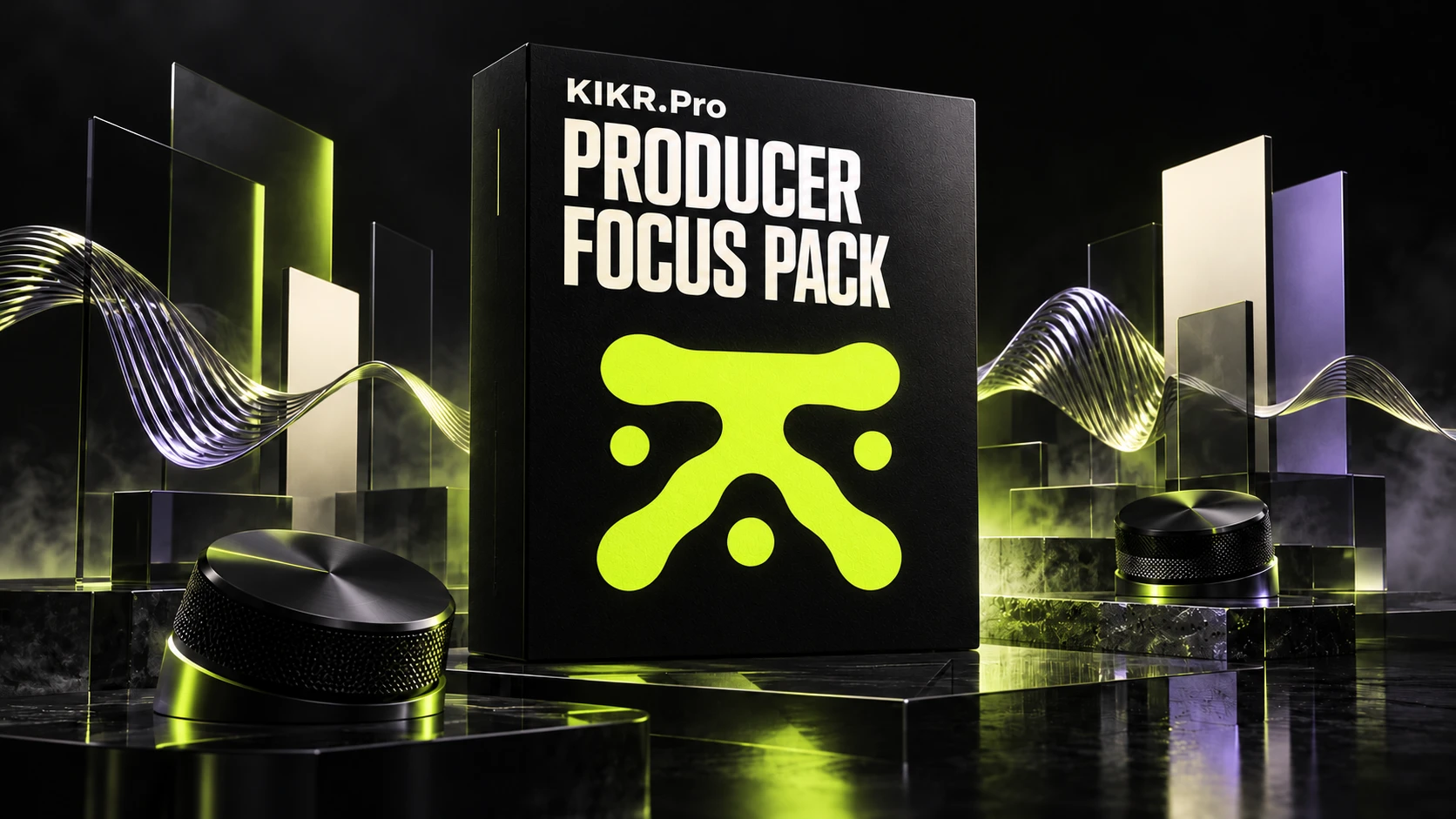
Digital product mockup. No physical product is shipped.
Your workspace is part of the experience. Give it a look you like, a tool library you can browse and a practical plan for your next session.
Find a visual style you want to come back to. Choose dark studio palettes, warm organic colours, softer tones or brighter club-inspired options.
Browse transitions, space, texture, filters and stereo tools in a library organised around use. Advanced dependencies are marked in their own folders.
Choose a workflow, name the tracks and set a finish line. The Focus Builder turns your session idea into a plan you can download and follow.
Start with the installation guide, preview the theme catalog and check the preset requirements. Everything has a place in one ZIP.
Explore what’s inside below.
Start with the atmosphere, move into your tools, then give the session a direction. It’s a considered setup you can keep using.
Browse the real theme palettes and choose your .ask file.
Use the rack catalog to find the tool and check its requirements.
Export a Focus Builder plan, then create the track map inside Live.
A closer look at the files, tools and guides in your download. Open each breakdown to see what is included.
Choose the look of your studio. Five editorial collections, from understated dark palettes to brighter colours.
21 audio FX racks, one instrument rack and one device preset, separated by use and advanced requirements.
Choose a starting workflow, edit the track names and make your next objectives visible.
See theme colour palettes and rack device lists before choosing what belongs in your setup.
Extract the folder, open START_HERE.html and follow the install guide for the part of the pack you want to use.
Use the workflow playbook and template recipe to build a starting point inside your own Live installation.
The rack library includes advanced dependencies. Compatibility details are shown in the offer below.
Useful additions to the core pack, without another purchase.
A small optional visual extra for the screen around your session. Use them if they fit your setup.
A step-by-step guide to turning a Focus Builder plan into a reusable template inside Ableton. A recipe to build, not a fabricated .als file.
Search the real theme palettes or try the working Focus Builder. These are demonstrations of the tools in the pack.
Actual colours read from the .ask files. Palette previews are not screenshots of Live.
WORKING TOOL / LIVE DEMO
Choose a workflow, rename your tracks, set objectives and export a TXT plan or JSON backup.
The demo opens on its own page so you can use the full workspace.
Open the Focus Builder ↗The tool exports a plan. You build the template inside Live.
[✓] Choose one musical idea
[ ] Build a 16-bar loop
[ ] Save a rough bounce
Your plan keeps track names, tempo and checked objectives together. Download the TXT plan, keep a JSON backup, then take the next step inside Live.
Try the Focus Builder ↗Your setup, your decisions, your music.
All the included themes, presets, tools and extras. One $29.99 download.
Checking checkout availability…
Digital ZIP · No subscription · No physical delivery
The useful details, before you make the pack part of your setup.
The .ask themes and .adg/.adv presets are intended for Ableton Live. The pack targets Live 12. The Focus Builder runs in a desktop browser independently of Live.
Themes work as visual choices across genres. The Focus Builder includes House, Techno, Drum & Bass, Hip-Hop and Songwriting track-map profiles. Rack categories suggest utility rather than guaranteeing a genre-specific sound.
Some racks do. Huge OTT Reverb, REVERB DOMINATOR and PP REESE BASS contain external VST/VST3 blocks with identities still to resolve. Ambient Rack references Max for Live and factory impulses. Check the compatibility notes above and the dependency guide.
One ZIP: 84 themes, 22 .adg racks, one .adv device preset, the offline Focus Builder, catalogs, installation/workflow guides and optional extras. Extract everything and open START_HERE.html.
The pack includes a template-building recipe and session blueprint exports. There is no native .als file. Build the planned tracks and groups inside Live, then save your template there.
Once checkout is enabled, the download page unlocks after Stripe confirms payment. Some payment methods take longer. Keep your Stripe receipt and the download page. Checkout is currently being connected.
Not yet. Their gzip/XML integrity was checked and device/dependency information was inspected. The browser tools were functionally tested. Loading, sound, macros, CPU, save/reopen and edition compatibility need practical Live testing.
KIKR.Pro is independent and is not affiliated with, endorsed by or sponsored by Ableton AG.
You want a different look for Ableton, a browsable preset library and a practical tool to plan your track map and objectives.
You are comfortable checking dependencies and building the final setup inside your own Live installation.
This is a downloadable toolkit. It does not include Ableton Live, a video course, external plug-in licenses or a finished .als session.
If you need certified plug-in-free racks for every Live edition, the current pack is not validated for that requirement.
$29.99 USD · One-time payment · Complete digital pack